Reference Fields
Image
The Image field lets you to crop, zoom, and insert images effortlessly. It stores the optimized image URL along with crop data in the database.
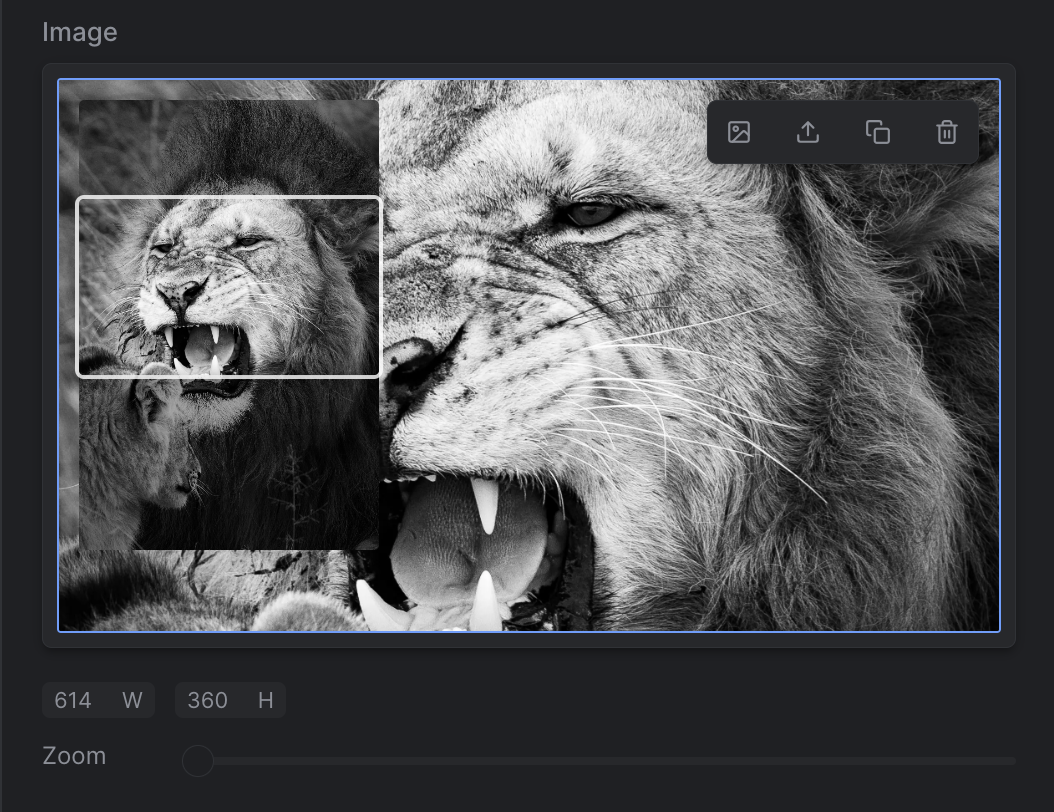
Strife Studio screenshot of an Image field
Settings
In addition to the basic settings, this section provides information about unique settings and configurations specific to this field.
You can find a comprehensive list of all basic settings in the 'Overview' section.
| Option | Description |
|---|---|
Width | Specifies the desired width of the displayed image. |
Height | Specifies the desired height of the displayed image. Set to 0 for a width-only image that keeps the source aspect ratio — the height is derived from the original, and crop/zoom are disabled. In defineType the same thing is spelled height: 'auto'. |
Format | Specifies the image format in which the image will be stored. Default is webp |
Widths | Responsive widths: auto, or pixel widths like 400, 800, 1600. When set, Strife stores a srcset on the image's value each time an editor picks or crops the image. Leave empty for a single image URL. See Responsive images. |
Padding color | Hex color used for the padded area of the image when the crop area is smaller than the source. |
Padding alpha | Alpha value between 0 and 1 for the padded area's transparency. |
Hide alt text | When enabled, the alt text field is hidden in the image editor. |
Define with JSON
When defining templates using JSON, this field is represented using:
- Component Name:
str-image - Type:
image - Reference ID:
str-image
The settings above map into the editor.attributes object inside the JSON definition.
{
  ...
  "editor": {
    "name": "str-image",
    "type": "image",
    "propertyName": "...",
    ...
    "attributes": {
      "width": 300,
      "height": 200,          //0 = width-only, keeps the source aspect ratio
      "format": "...",        //webp,png,jpeg,etc
      "widths": "auto",       //or [400, 800, 1600]; omit for a single URL
      "paddingColor": "...",  //Hex color format
      "paddingAlpha": 0.5,
      "hideAlt": false
    }
  },
  ...
}In the JSON template, height is always a number — 0 is the width-only convention. The 'auto' spelling exists only in defineType, which compiles it to 0 for you.
Live preview
The compatible Strife Web Component for an Image field is the str-image component.
For more information on live preview and Strife Web Components, please refer to the Live preview documentation.