Reference Fields
Paragraph
The Paragraph field, similar to the Text field, stores a string in the database, but it is specifically designed to facilitate the editing of longer text.
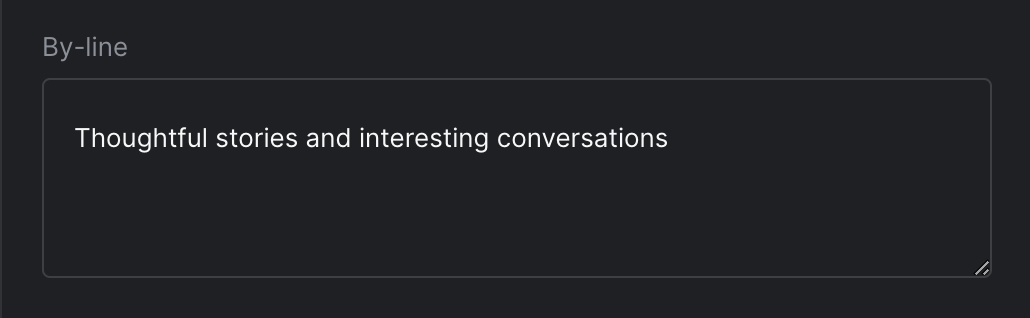
Strife Studio screenshot of a Paragraph field
Settings
In addition to the basic settings, this section provides information about unique settings and configurations specific to this field.
You can find a comprehensive list of all basic settings in the 'Overview' section.
| Option | Description |
|---|---|
Placeholder | A brief hint or instruction displayed in an input field to guide users on the expected content or format. |
Spellcheck | Enables or disables automatic spell checking in the browser |
Display | Option between plain text and indented JSON format for text presentation. Default is text. |
Define with JSON
When defining templates using JSON, this field is represented using:
- Component Name:
str-textarea - Type:
text - Reference ID:
str-textarea|text
The settings above map into the editor.attributes object inside the JSON definition.
{
  ...
  "editor": {
    "name": "str-textarea",
    "type": "text",
    "propertyName": "...",
    ...
    "attributes": {
      "spellcheck": true,
      "placeholder": "...",
      "display": "..."            // text | json
    }
  },
  ...
}
Live preview
The compatible Strife Web Components for a Paragraph field are any of the text or container components.
For more information on live preview and Strife Web Components, please refer to the Live preview documentation.