> From the [Strife user guide](https://strife.app/docs/user-guide/content-list-and-filter/filter). Every page is listed in [llms.txt](https://strife.app/docs/llms.txt).
# Filter
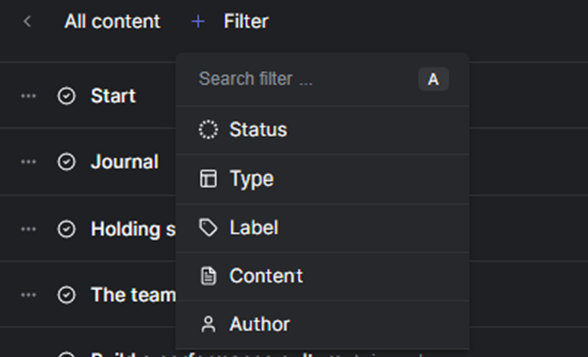
A filter can be used when searching for pages. You can search for documents based on
1. Status
2. Template
3. Label
4. Author
5. Free text search
Filter views are stored on your local profile and are personal. You can combine them and build your search filter for your unique purpose. It´s easy to save a filter for future use by choosing views in the upper right corner and giving it a name.
Different filter options in Strife
Note! Status is only available from the content list showing all content.
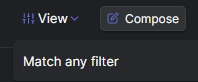
Note! When adding more than one filter parameter, you can decide if the search query must match all filters or any of the chosen filters by switching between Match any filter and Match all filters from the view button in the upper right corner of the interface.