A Faster Media Library
The media library got a focused round of updates this month. You can now find files faster, see exactly where each one is used, and upload new content with a lot less friction.
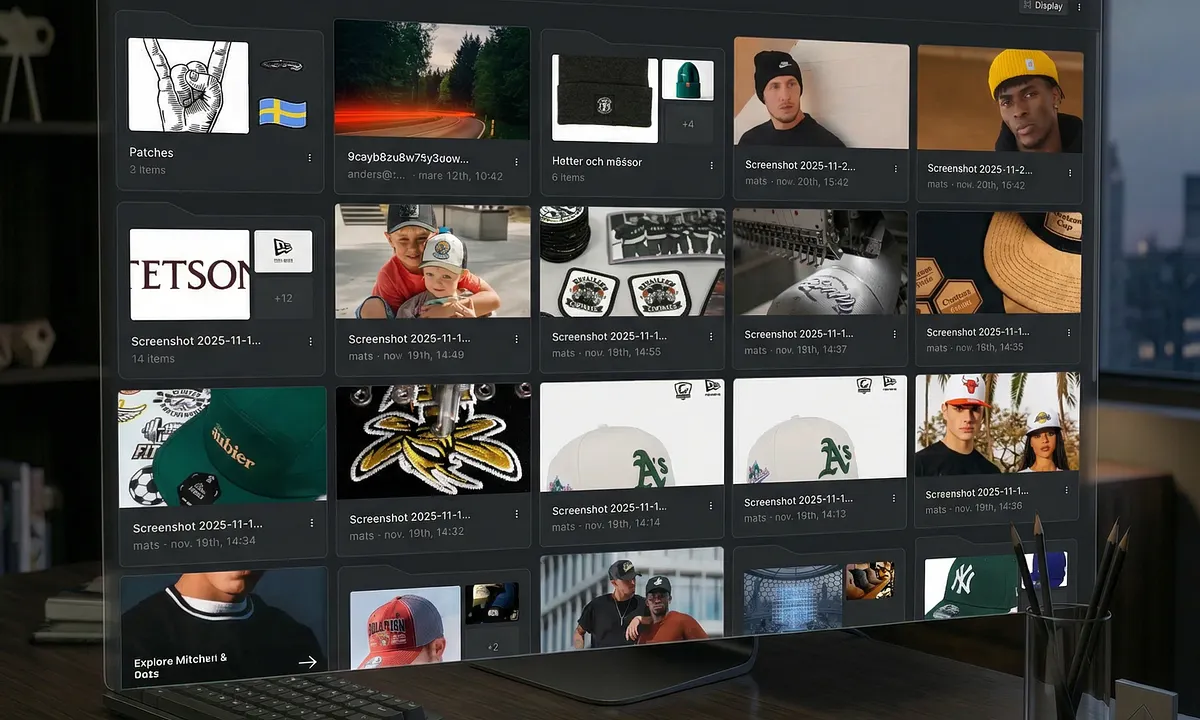
Find files faster
Searching the media library used to mean drilling into folders that lit up because something inside matched. Now, the moment you start searching or applying a filter, the library flattens out: you see every matching file from anywhere in your library, regardless of which folder it lives in.
Two related improvements come with it:
- Filename matching. Search now matches the original filename, not just the display name — so `IMG_1234.HEIC` finds the file even if you renamed it to something friendlier.
- Open containing folder. Jump from any result straight to the folder it actually lives in.
The same flat-results behavior applies to the inline media picker — the one that opens when you insert an image, video, or file into a page.
See where a file is used
Click any file in the library to see exactly which pages and documents reference it. You can finally delete unused assets, swap an image, or clean up the library without wondering what might break.
Smoother uploads
Drag and drop now works the same way whether the folder is empty or already full. New folders open with a proper welcome state instead of a blank canvas, and large multi-file uploads no longer drop files on the floor.
Also new
- Preview unpublished translations. See how a page looks in a new language before you publish it. No more "publish first, proofread later."
- Video quality selection. Visitors on your published site can pick the right video quality, so mobile users aren't forced to download a full 4K stream.
- Astro 6 support. If your team builds with Astro, our `@strifeapp/astro` SDK now supports Astro 6.
Improvements
- Quick search popover stays open across more views, including the active workspace
- Image components no longer break when switching between resize modes
- The file browser remembers your place when a form re-renders around it
- File templates can be saved without a default collection assigned
- `Cmd/Ctrl+F` no longer leaks between separate team file browsers
- Files in the media library now resolve correctly when used in rich text links
That's the first round. We'll be back with more soon — and if you have feedback, requests, or just want to tell us how you use Strife, we're listening.