Canvas and preview
The canvas shows your page as your website renders it, in several screen sizes at once, while you edit. Zoom, pan, and open a page in Strife from your website.
The canvas shows the page you edit as your website renders it, in several screen sizes side by side. It updates as you type, so there is no separate preview to ask for.
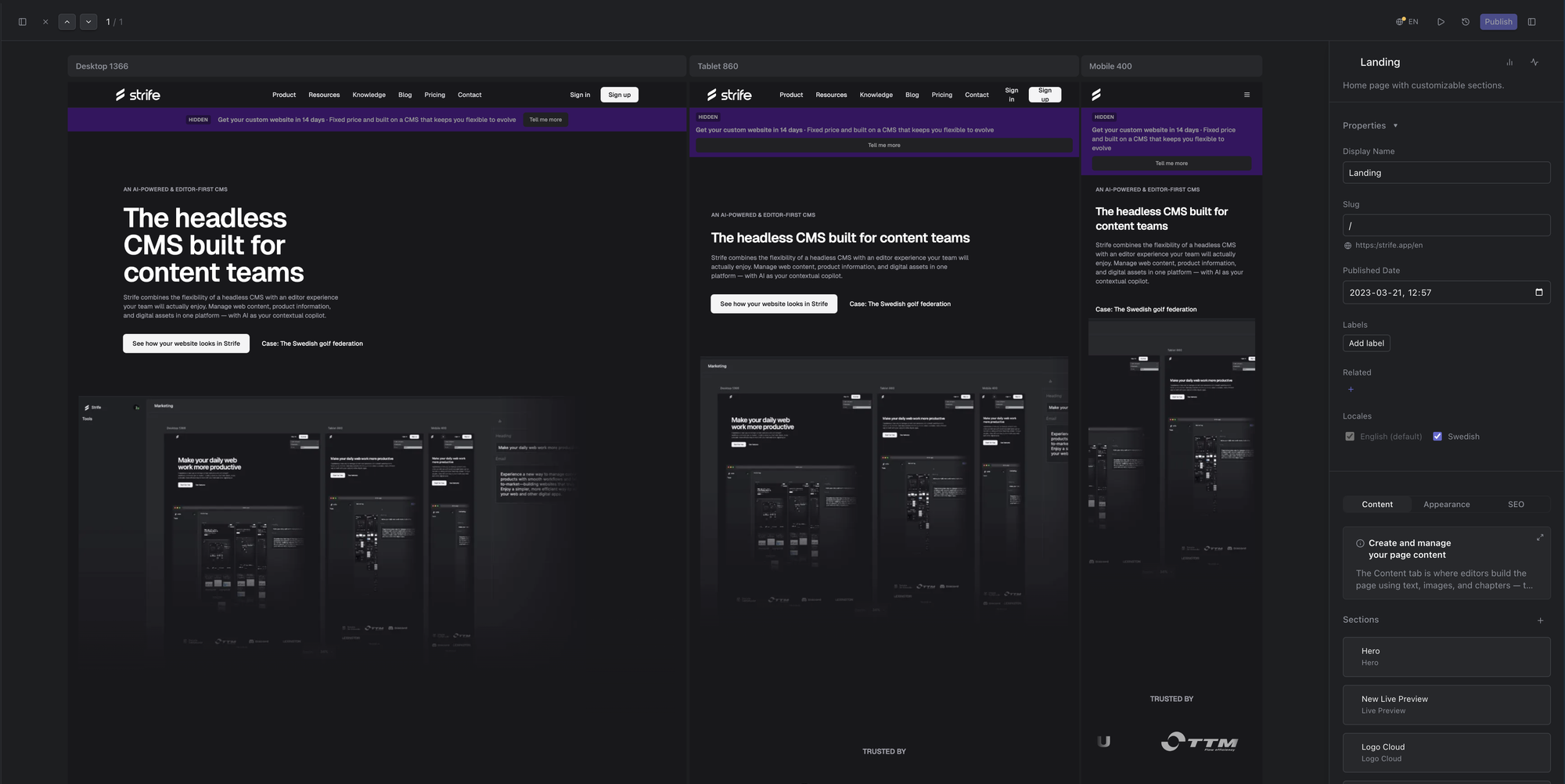
The canvas in the editing view
The pages in this chapter:
- Canvas preview: the screen sizes side by side, arranging them, and clicking links inside the page.
- Zoom in the canvas and Pan in the canvas: moving around in the canvas.
- Open a page in Strife from your website: the toolbar on your website that takes you to the page in Studio.