Working with contentWorking with pictures
Edit pictures
Choose which part of a picture shows: zoom and move it in its frame, and crop it for each screen size in an image group.
Zoom and move
In Fill mode, the picture can be bigger than its frame. Drag the Zoom slider under the picture to zoom in, and drag the picture to move it until the part you want is in the frame. While the pointer is over the picture, you see the whole original, with a frame around the part that shows.
The slider can't be used in Fit mode, or when the picture isn't bigger than its frame. Its tooltip says why.
A picture for each screen size
Some picture fields are image groups, with a frame for each screen size that the template defines, such as Desktop, Tablet and Mobile. The sizes share one picture: choosing a picture in any size puts it in every size. Then choose a size under Display, and zoom and move the picture to crop it for that size. Choosing a new picture later resets the crop in every size.
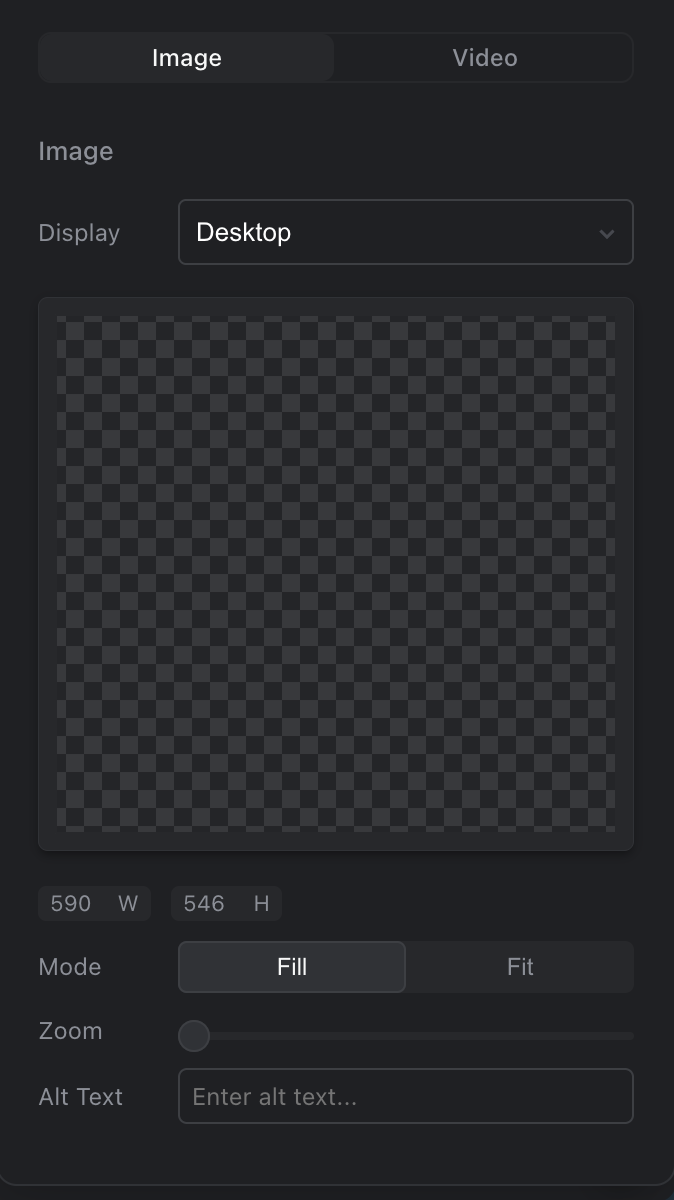
An image group, with the size chosen under Display
The alternative text is the same for every size, so you only need to write it once.