Delete a media file
Delete a file from the media library, and the warning you get when documents still use it.
Open the file's menu with ⋮ and choose Delete. Strife asks you to confirm. If documents still use the file, the confirmation tells you how many: "This file is currently used in N documents." To see which ones, look at Used in under the file's Details first (see Work with a media file).
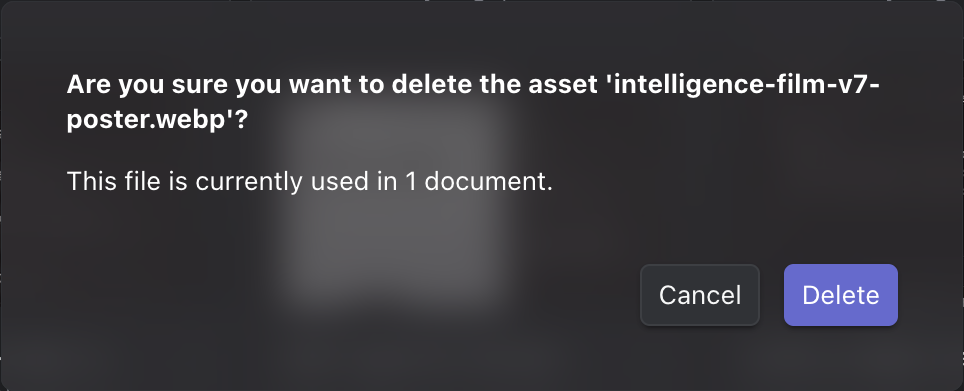
Deleting a file that is in use
A deleted file leaves the media library, and Studio has no way to bring it back.