Changing themes
Switch Studio between the light and the dark theme in the command menu, and how Studio follows your computer's light or dark mode.
Studio has a light and a dark theme. To switch:
- Open the command menu with Command+K (Ctrl+K on Windows).
- Choose Change interface theme..., then Light or Dark. You can also type "light" or "dark" to find them.
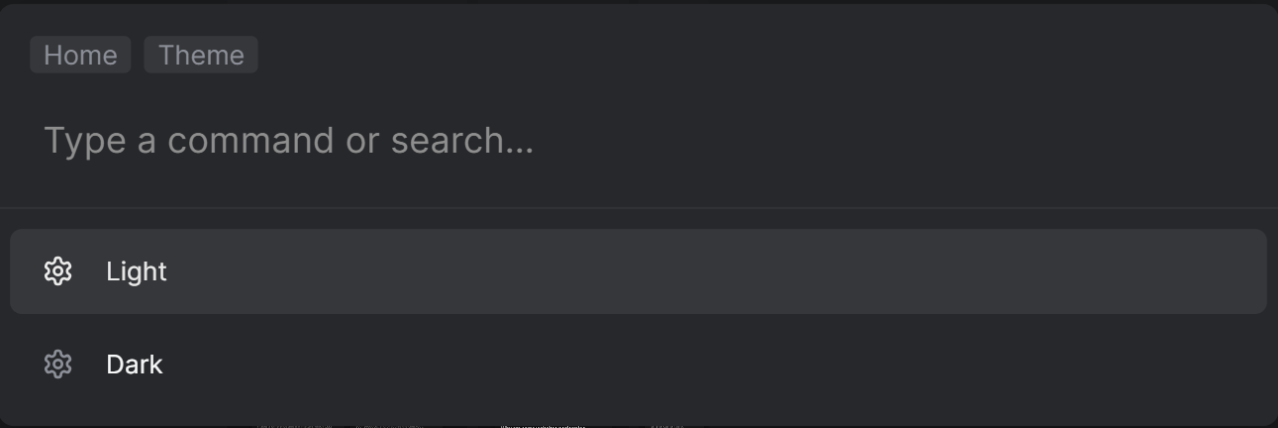
Change theme
Until you choose, Studio follows your computer's light or dark mode. Your choice is saved in the browser you use. If your computer later switches between light and dark mode, Studio switches with it.