Saving a view
Save a filter combination as a view, find it under Views, and know where it is kept.
A view is a saved filter combination. Set up the filters you want (see Filter), then click Save on the filter row. Strife asks "Save current filter as view?": name the view and click Save. You will see "Custom view created."
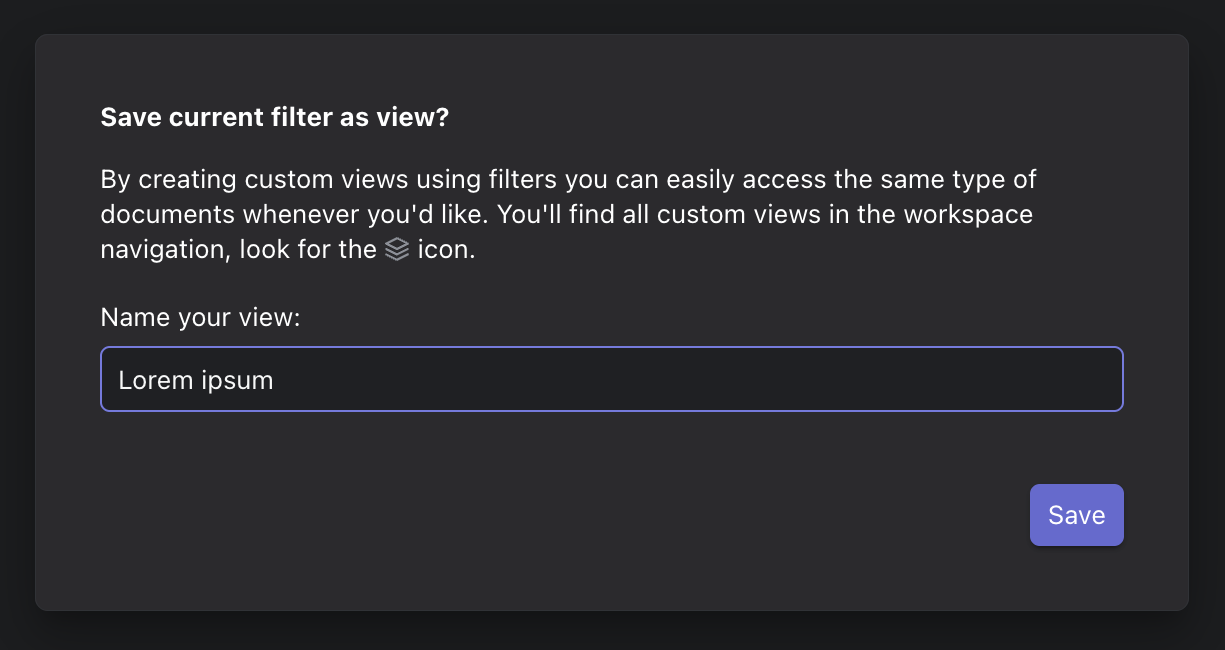
Save current filter as view
Your views are listed under Views in the left menu. Open one to see the list with its filters, or delete it there.
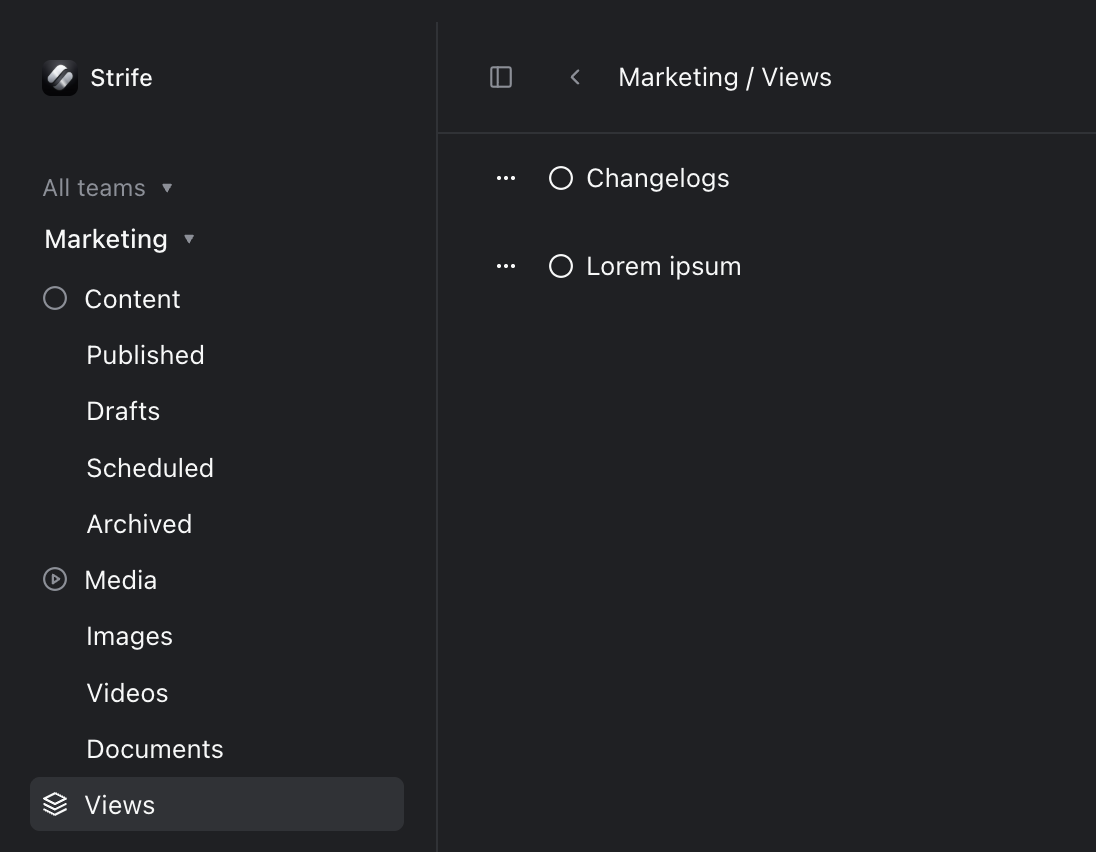
Saved views
- A view is not a snapshot. It saves the filters and whether pages must match all or any of them, not the pages. A page you add later that matches the filters shows up in the view too.
- Views are kept in your browser. They are yours, for each team, and only in the browser where you saved them: colleagues don't see them, and they are not on your other computers.