Working with content
Filling in a page: metadata and SEO, rich text, pictures and video, and what happens to a page over its life.
You edit a page in the editing view: a preview of the page in the middle, and the editor panel with its fields on the right. Canvas and Editor panel explain how they work.
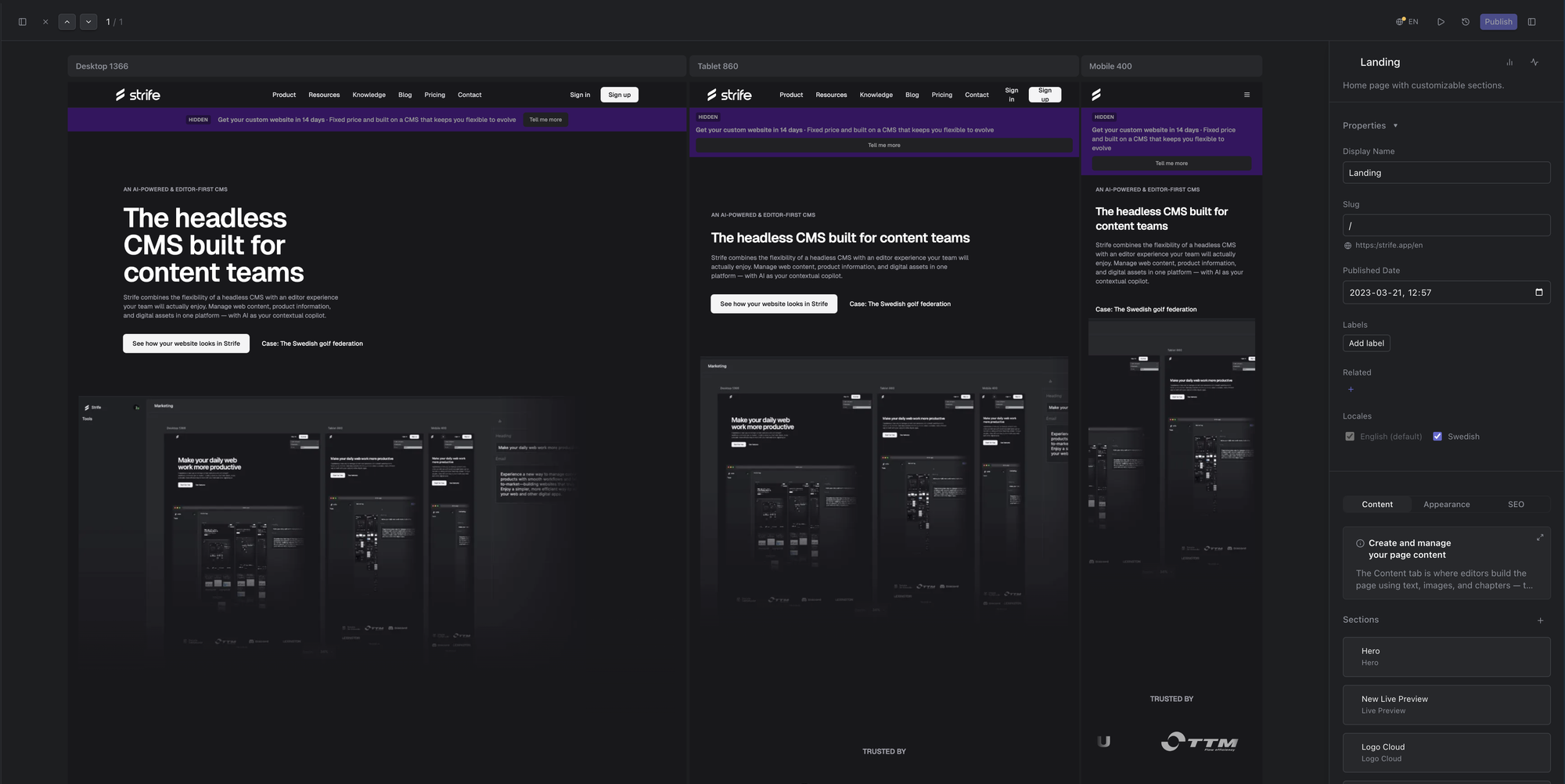
The editing view
This chapter is about the fields you fill in, and what happens to a page over time:
- Fields: every kind of field, from text and choices to lists, files and links.
- Metadata and SEO: the page's name and address, and how it shows in search results.
- Languages and translation: language versions of a page, translating with Strife Intelligence, and publishing one language at a time.
- Rich text editor: formatting text, and inserting pictures, videos and tables.
- Working with pictures and Edit pictures: picture fields.
- Working with video: the video field.
- Lifecycle of a page: from draft to published, archived and deleted.