Working with video
The video field: pick a video from the media library or give its address, then set quality, autoplay, poster, start time, loop, controls and sound.
A video field shows a video on the page. Under Source, choose where the video comes from:
- Media: a video from the media library. Click Browse... and pick one. Clear... takes it out of the field again.
- Url: the address of a video.
For a video from the media library, you can also set how it plays:
- Quality: Medium (720p) or High (1080p).
- Playing: Yes starts the video by itself.
- Poster: Yes shows a still picture before the video plays.
- Start Time: where the video starts, in seconds. Type it, or drag the slider.
- Loop: Yes starts the video over when it ends.
- Controls: Show or Hide the player's buttons.
- Muted: Yes plays the video without sound. Most browsers only start a video by itself when it is muted.
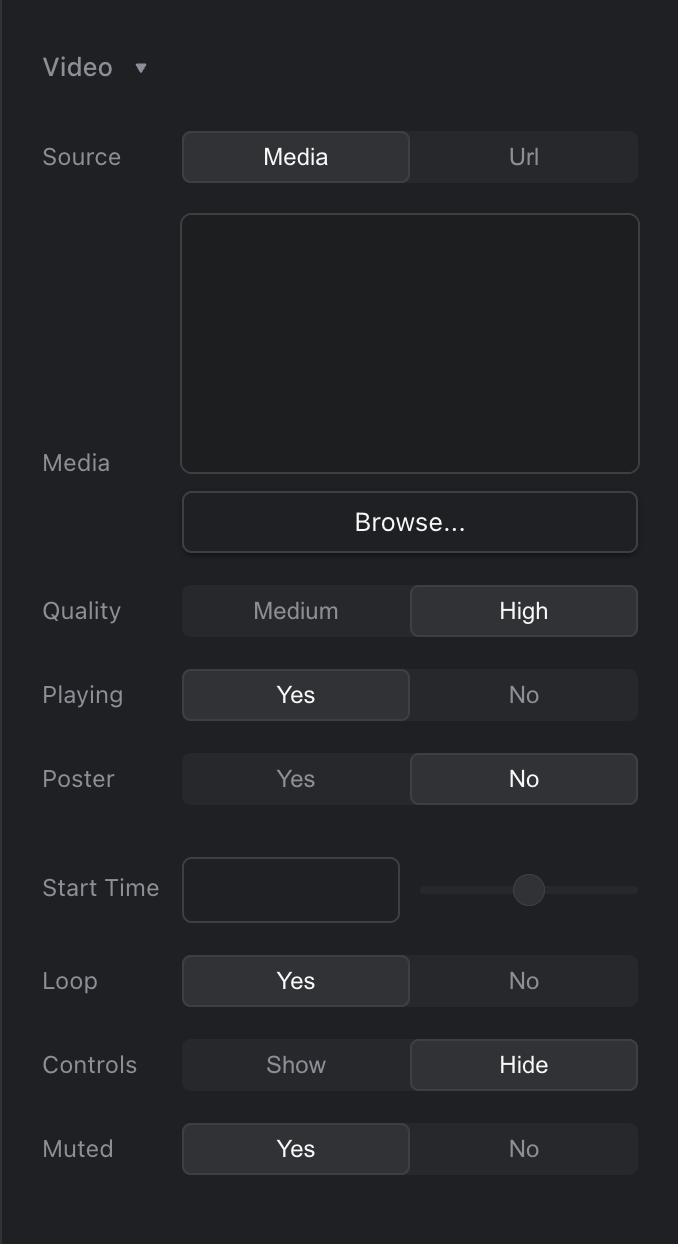
The video field
Your website decides how it uses these settings.
To put a video in the middle of a text, use Insert video... in the rich text editor.